Your product, live on
eBay, Etsy & Facebook.
In seconds.
One-click marketplace listing is a free option available to add to any Futurestore shop - built directly into the product edit page of your control panel. No copy-pasting. No switching tabs. No third-party apps.
Right there on the
product edit page.
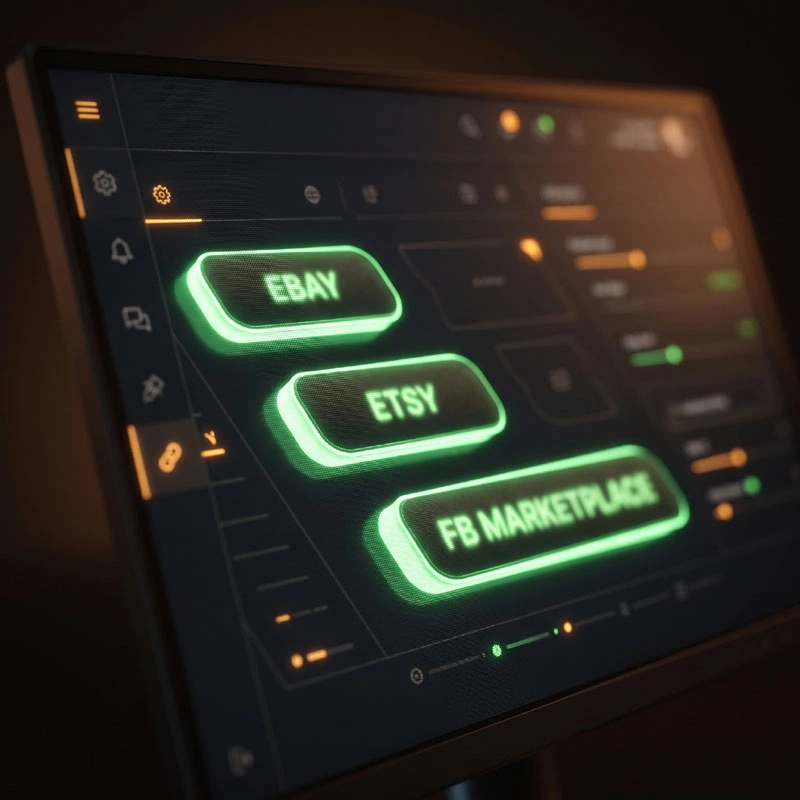
No new screens to learn. The marketplace panel sits inside the page you already use to edit a product's title, price and images. It tells you at a glance whether the item is already listed on each channel.

The List on Marketplaces panel as it appears in the Futurestore control panel. eBay and Etsy are live integrations; Facebook Marketplace uses a safe, account-friendly posting method.
Reach buyers where
they already are.
Push title, description, price and images directly to an eBay listing. The integration is live - click the button and the listing appears. Ideal for sellers who run both a website and eBay store without wanting to maintain two sets of product data.
- Title & description auto-populated
- Images transferred from your product
- Price pulled from your shop price
- Listing status shown at a glance
Etsy’s audience skews towards handmade, vintage and craft - a natural fit for many Futurestore clients. List from your control panel and the product data flows across without re-typing a word.
- Full product data transferred
- Images included automatically
- Ideal for handmade & craft sellers
- Listing status visible in the panel
Facebook Marketplace has a massive local and national audience. The Futurestore integration prepares everything for you and posts in a way that keeps your Facebook account in good standing - no risk of automated posting flags.
- Account-safe posting method
- Listing prepared and formatted for you
- Local & national buyer reach
- No third-party app required
Three steps.
That’s genuinely it.
The listing feature is designed to take about ten seconds per product per channel. There’s no separate workflow, no export file, no API credentials to configure. It’s just there, on the page, ready to use.
Open a product
Go to any product in your Futurestore control panel as you normally would to update a price or description.
Find the marketplace panel
Scroll to the List on Marketplaces section. You’ll see the status for each channel - whether it’s currently listed or not.
Click the channel button
Click List on eBay, List on Etsy, or List on Facebook Marketplace. Your product data is used automatically. Done.
Built in.
Not bolted on.
Shopify clients wanting to sell on eBay or Etsy typically pay for a third-party app - often £20-£50 per month on top of their platform fee. The Futurestore marketplace feature is part of the platform itself, developed in-house and available to add to any Futurestore ecommerce site free of charge.
This is what 29 years of continuous platform development looks like. Not a new product. Not a price increase. Just a useful thing that wasn’t there before, now there.
A few things
people ask.
Does listing on eBay or Etsy from Futurestore cost extra?
No. Marketplace listing is a free option that can be added to any Futurestore ecommerce site - there is no charge from Futurestore to enable it. You will still pay eBay’s and Etsy’s own selling fees, exactly as you would listing directly, but there are no Futurestore app fees or per-listing charges on top.
What product data gets sent across?
Title, description, price and images are all transferred automatically from your existing product record. You don’t re-enter anything - the data your own shop uses is the data the marketplace listing uses.
What does ‘Always Safe’ mean for Facebook Marketplace?
Some automated Facebook tools can trigger account flags or restrictions. The Futurestore Facebook Marketplace feature prepares and formats the listing for you, but posts in a way that avoids any risk to your Facebook account. You stay in control and in good standing.
I’m an existing Futurestore client - do I have this already?
If you have a Futurestore ecommerce site, marketplace listing can be added to your control panel free of charge - just call or email and it can be enabled. Once active, you’ll find it on any product edit page under the List on Marketplaces section.
Can I use all three channels, or just one?
All three are independent. Use one, two or all three - it’s up to you per product.
Want a shop
that does this?
Call or drop me a message. Twenty minutes on the phone and you’ll know exactly what a Futurestore shop costs and what it includes.